Binance
Bought USDT on Binance P2P but Can’t Trade It? Funding Account vs Spot Account and How to Transfer
If your trading balance shows 0 after a P2P purchase, check whether the USDT is sitting in the Funding Account. How to transfer it to the Spot Account, and what Binance changed from 29 September 2026, when P2P orders began to prioritize the Spot Account.
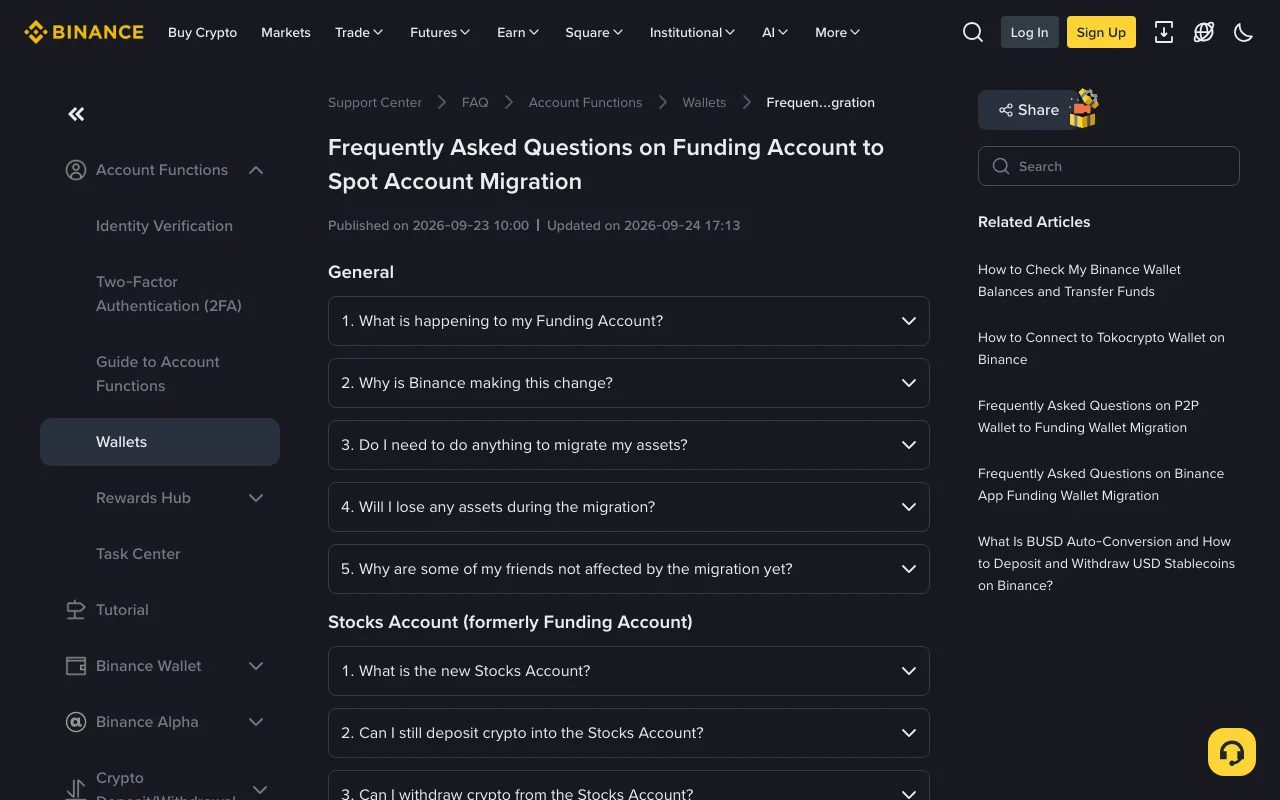
You finish a P2P purchase, the seller releases, and Binance confirms the USDT is yours. You open the trading screen to swap it for BTC and the available balance reads 0. The USDT is still in your account. Binance splits your assets across several accounts, a spot order can only draw on the Spot Account, and for years P2P purchases were credited to a different one, the Funding Account. Moving the balance across is an internal transfer inside the app.
Since 29 September 2026 Binance has also been changing what these two accounts are used for, so an older tutorial may describe a screen that no longer matches yours.
Where P2P purchases used to land
Binance's help article How to Check My Binance Wallet Balances and Transfer Funds states the long-standing rule: funds received through Binance P2P, Pay, Gift Card or Pool go to the Funding wallet, and you may need to transfer them to the Spot wallet to trade on the Spot Market.
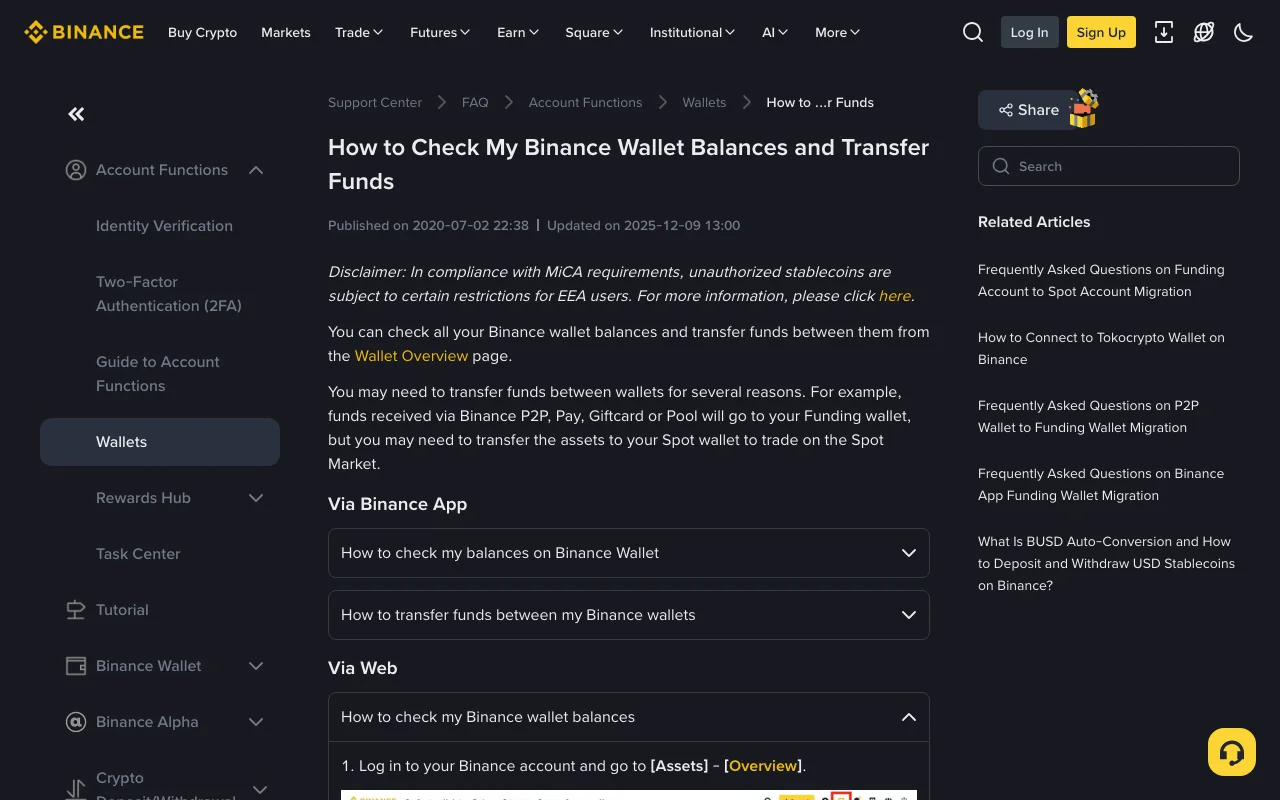
Binance Support Center, captured 13 October 2026. The article was last updated in December 2025 and doesn't mention the September 2026 change.
The names shift depending on which page you read. That article says "Funding wallet" and "Spot wallet", and in one step "Fiat and Spot Wallet". Binance's newer pages say "Funding Account" and "Spot Account". They are the same two accounts. If "spot" is still an unfamiliar word, it's defined in our list of crypto terms in plain English.
What changed on 29 September 2026
On 23 September 2026 Binance published Frequently Asked Questions on Funding Account to Spot Account Migration. These are the points that affect someone buying or selling through P2P:
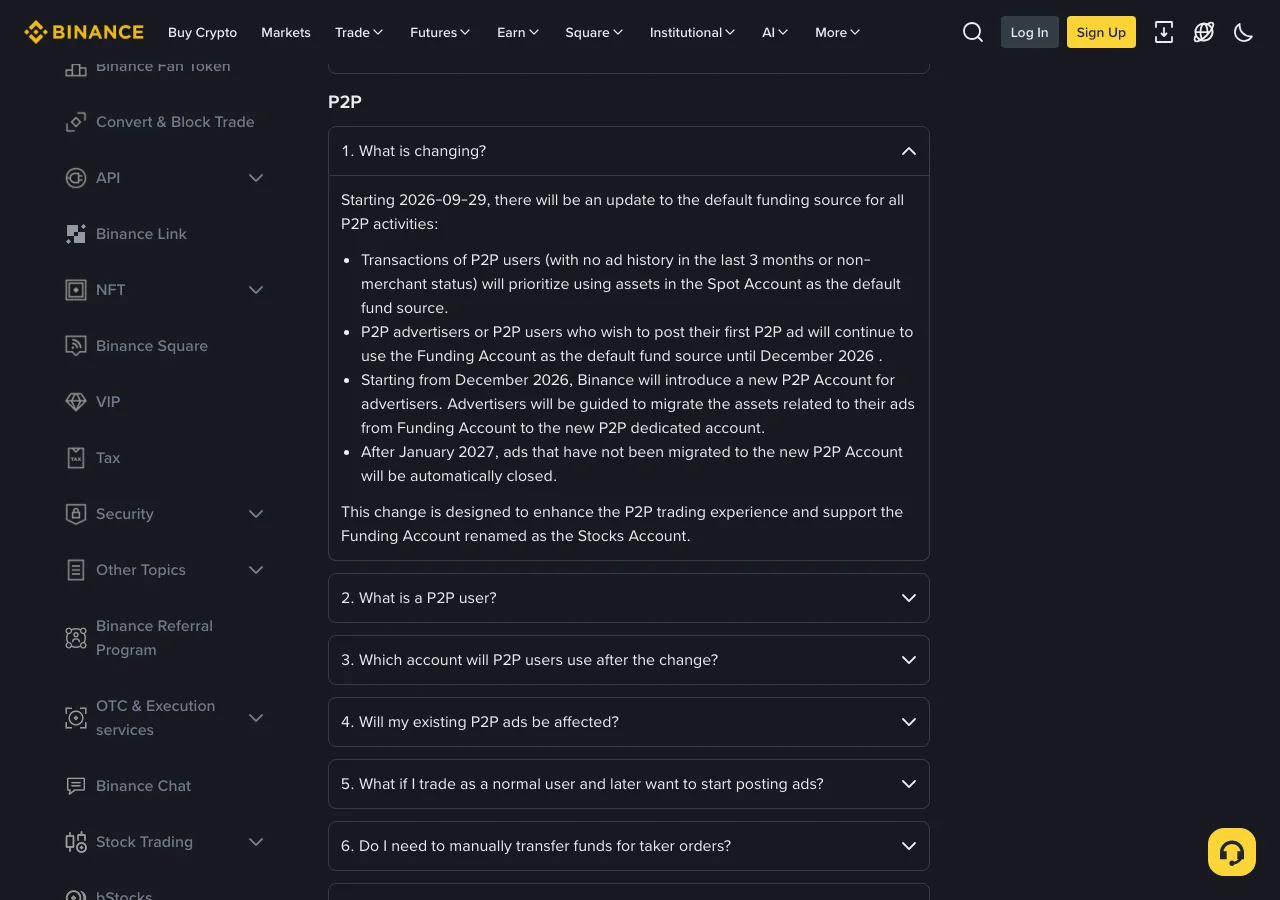
Binance Support Center, captured 13 October 2026.
- Binance defines a "P2P user" as someone who hasn't posted an ad in the last 3 months and doesn't hold merchant status, in other words someone who only takes other people's ads. For these users, both buy orders and sell orders now prioritize funds in the Spot Account.
- In the app, the switch only applies once the latest version is installed. On the website there is nothing to upgrade.
- Advertisers keep using the Funding Account until December 2026. From that month Binance introduces a dedicated P2P Account for them, and ads that haven't been moved to it are closed after January 2027.
- Non-stock assets in the Funding Account are being moved to the Spot Account in batches, 1:1. Binance says no action is required for most users and that each user is notified when their turn comes. A one-click migration button in the Funding Account lets you move earlier.
- The migration is expected to finish by January 2027. The Funding Account is then renamed the Stocks Account and holds only US stocks, stock options and six settlement currencies: USD, USDC, USDT, USD1, U and BNB.
- Assets received through Binance Pay are credited to the Spot Account.
The FAQ says "prioritize" and doesn't set out, case by case, which account a purchase appears in during the transition months. The short way to find out after a purchase is to open Assets and check both accounts. If the USDT is in Spot, you can trade straight away. If it's in Funding, the next section covers the transfer.
USDT is one of the six currencies the Funding Account keeps, so a USDT balance can still sit there after your account has been migrated.
How to transfer USDT from the Funding Account to the Spot Account
In the app, the same help article gives this route:
- Open the app and tap Assets, then Transfer.
- Choose Spot as the destination wallet. Select the asset (USDT) and enter the amount.
- Tap Confirm Transfer.
- To check that it went through, tap the History icon at the top right.
On the website, go to Assets, then Overview, and click Transfer. A window opens with a From field, a To field, the coin and the amount.
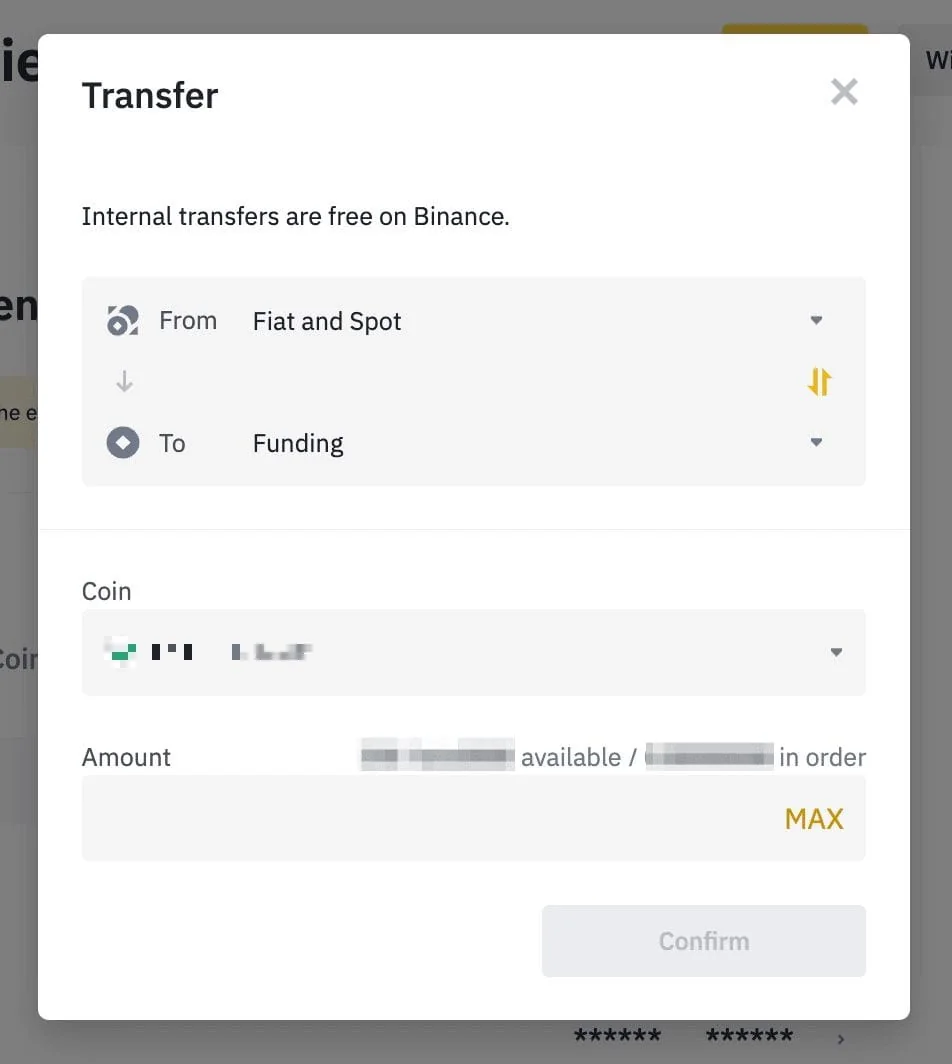
Example image Binance includes in that help article, as shown on 13 October 2026. It runs from "Fiat and Spot" to "Funding", the reverse of what you need after a P2P purchase.
Look at that image closely before copying it. The article's text is about getting assets into the Spot wallet, but the example window is set up the other way round, from Spot to Funding. Reproduced as shown, it leaves the USDT in Funding where it was, and anything you already held in Spot goes across to Funding instead. The two-arrow button between the fields swaps the accounts in one click. Read what From and To say before you confirm.
The same window states that internal transfers are free on Binance. The spot order you place afterwards is a trade, and a trade has its own costs. Our breakdown of what a $2,500 crypto trade actually costs goes through them.
If you're selling USDT on P2P
For someone taking another person's ad, the migration FAQ says that in most cases no manual transfer is needed, because the order uses funds in the Spot Account first. That depends on the app being up to date.
Posting your own ad is a different case. Before December 2026 you need to transfer the assets from Spot to Funding first, and once the ad is posted, the Funding Account becomes your default source of funds. It's the same Transfer screen with the accounts in the opposite order.
Transfer or withdrawal: how to tell them apart on screen
A transfer moves a balance between two of your own accounts inside Binance. The screen asks for the account it comes from, the account it goes to, the coin and the amount. It never asks for an address.
A withdrawal sends the USDT out of Binance to another wallet or exchange. That screen asks for an address and a network, and the network has to be one the receiving side supports; our guide to choosing between TRC20, ERC20 and BEP20 for a USDT withdrawal covers that choice. If a field for pasting an address appears, you have left the transfer screen.
The two meet at one point. According to the migration FAQ, the Stocks Account supports neither on-chain crypto deposits nor withdrawals. USDT left there has to be transferred to the Spot Account before it can be withdrawn.
If you can't find the Funding Account
It keeps its name until January 2027. After that it appears as the Stocks Account, and the crypto that used to sit in it is in the Spot Account, except for the six settlement currencies (USD, USDC, USDT, USD1, U and BNB), which can stay in the Stocks Account. Binance says earlier records aren't deleted: past transactions continue to show with the Funding Account label.
Convert also stops working from that account. Binance's instruction is to use Convert from the Spot Account.