Choosing an Exchange
How to Sign Up for OKX (and the Four Things That Trip People Up)
Your residence decides which OKX entity serves you, and US customers use OKX US. Have an email and phone number you control, photograph your ID flat with side light and all four corners in frame, and set up a passkey or authenticator and the withdrawal whitelist before depositing.
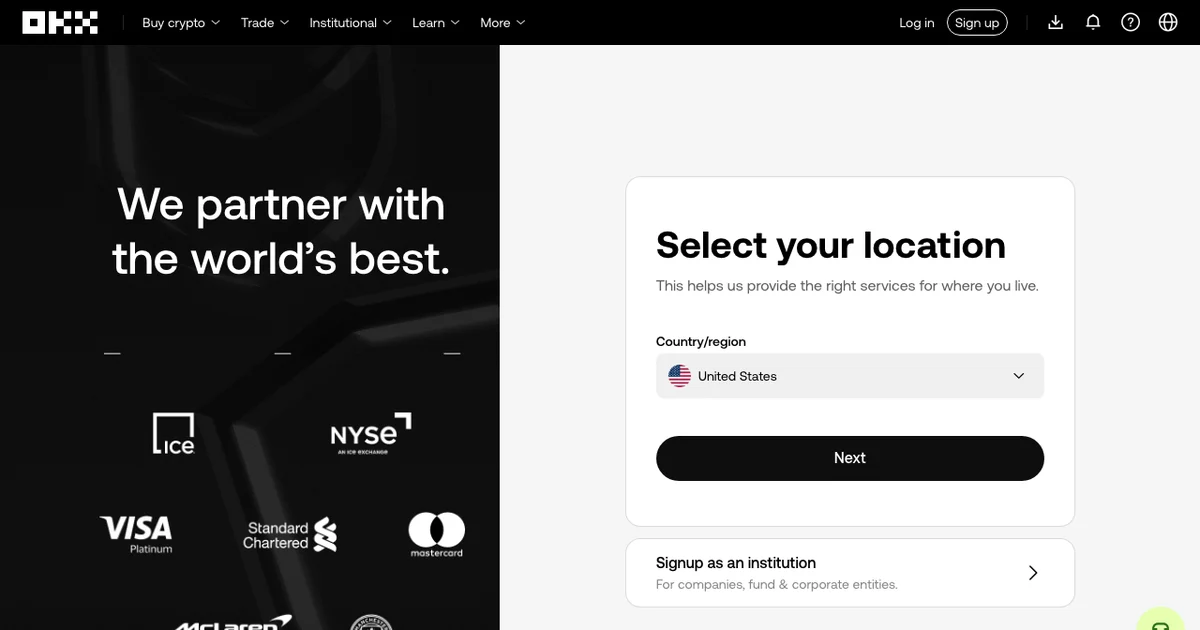
You can sign up and verify on OKX's website or in its app. Either way, sign-up can stall at four points, listed below.
Where our money comes from: we earn referral commission when someone signs up through our OKX link. Our code is OK0012 and the page is here. OKX's referral terms decide whether the link brings you any fee discount, so rely on the sign-up page and your account terms, not on what an article promises.
The four things that trip people up
- Residence. The first screen asks where you live, and that answer decides which OKX entity serves you and what you can use. A VPN does not change it.
- Phone and email. OKX's registration guide describes verifying both. Have both ready even if your screen only asks for one at first.
- Document photos. Glare across the printed fields or a cropped corner can get a photo rejected; read the stated reason before you retake anything.
- The separate P2P video check. Some accounts get one when they open P2P. OKX's Chinese identity-verification help page tells you to turn the sound and camera on and disconnect headphones first.
Check your country and the product you want to use
OKX's risk disclosure lists restricted locations and, separately, restricted products, so your country being off the first list doesn't mean every product is open to you. Read the terms for the OKX entity that serves your country before you register.
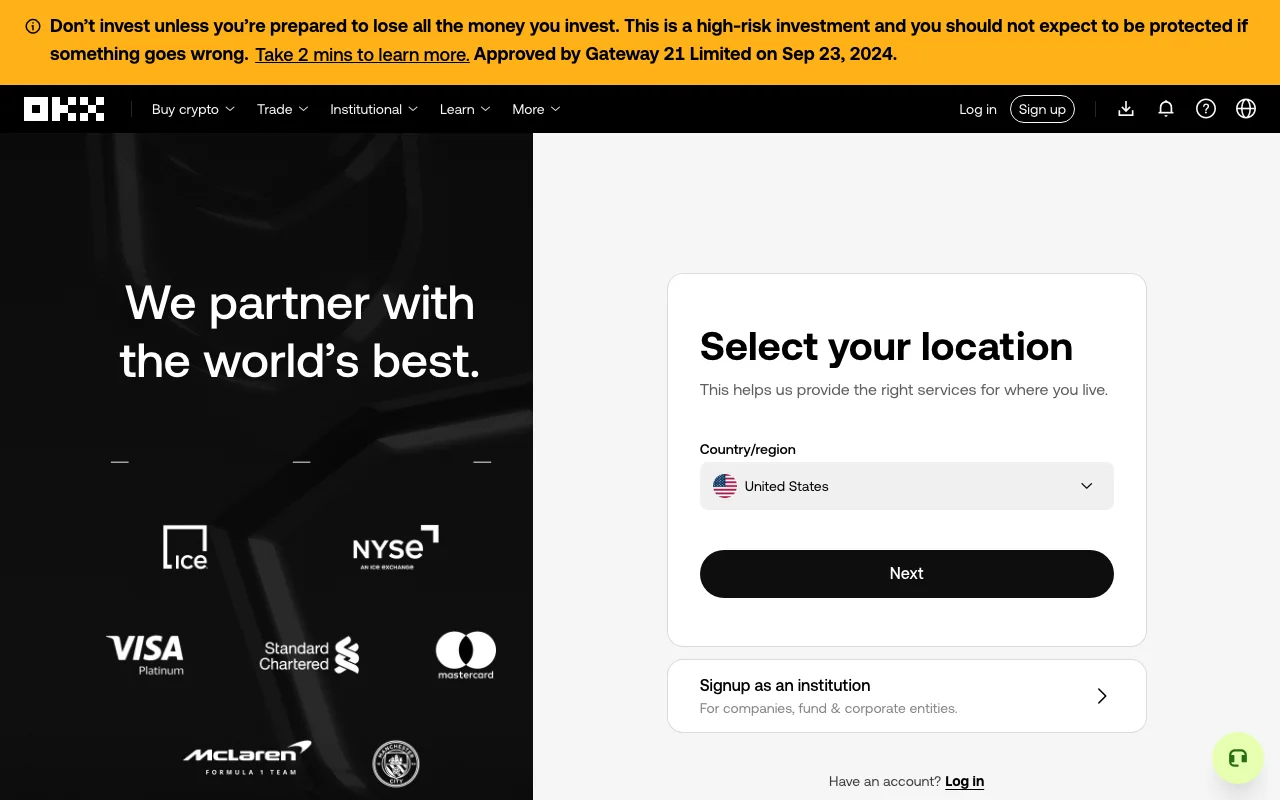
OKX asks for your country or region before anything else; the drop-down was pre-filled from our connection. Screenshot from okx.com (UK site), 23 September 2026, not logged in.
US customers use OKX US, which has its own terms. Its US disclosure covers spot and buy/sell/convert services, with some restrictions that vary by state, so the global product menu won't tell you what a US account can do.
In the UK and Australia, product access follows local rules and a local OKX entity; the eligibility guide covers both.
Have your email and phone ready
The registration guide describes verifying both email and phone, though its FAQ says whether you need the phone depends on the options you're shown. Either way, use an email address and number that you control.
A typical sequence in that guide is:
- Choose your residence and read the applicable terms
- Verify your email
- Verify your phone if requested
- Set a password and continue with the checks shown
Answer the residence question honestly; it decides which products and funding methods you'll see. If a detail is wrong or changes later, fix it through the account's correction process or official support, not by entering false details to get into another market's flow.
For the password: something you have never used anywhere else. Credential-stuffing attacks work by taking passwords leaked from unrelated sites and trying them against exchange accounts.
Open identity verification on the web or in the app
On the website, open your profile and select Verification. In the app, open the account settings and Identity verification. Follow the document and selfie instructions for your region.
Before you submit, get the photo right:
Lay the document flat on a dark, plain surface instead of holding it. Kill the flash and light it from the side, so no glare band sits across the printed fields. Keep all four corners inside the frame — cropping an edge can leave the image outside the stated requirements. Type your name exactly as printed, in the printed order, and read the document number back character by character.
If the face scan is what keeps failing, take off glasses and anything covering your face, stand against a plain wall, and put the light in front of you rather than behind. Backlighting can make your face hard to see. Wipe the front camera lens first.
The verification page shows what you still need to complete and which services are open to you; the checks and limits vary by region and account.
Extra checks for P2P
If P2P is available for your account, expect it to ask for more than registration did. That includes completed identity verification (OKX's Chinese help page says unverified accounts cannot trade on C2C/P2P), a payment method added to your P2P profile before you trade, and in some cases the video check below. The exact list follows your region, so go by what the P2P screen asks for.
If a video check comes up, follow its camera and audio instructions; if you can't get through it, contact support from inside your account.
If you're comparing with Binance
Binance's sign-up follows a similar pattern: regional terms first, then the registration prompts, then the verification page for your account. Our Binance sign-up guide goes through it; in the US, Binance.US is a separate service with its own terms.
Before the first deposit
Before any money moves:
Extra login protection. Don't rely on SMS alone; set up a passkey or an authenticator app if your account offers them. With an authenticator, store the recovery key somewhere safe and know how its backup works before you change phones.
Withdrawal address whitelisting. While it's on, withdrawals can only go to addresses you've saved. Double-check each address before you add it, and look at the separate new-address lock setting too. Together they slow down anyone who gets into your account and tries to send funds to their own address.
Funding only when needed. Look up minimums, fees, processing times and withdrawal holds before you move funds, and keep the first deposit small.
Common questions
Can I start on a computer? Yes. OKX has a web verification entry; if the flow asks for a particular device or camera, go with that.
Do I need a phone number? That depends on the options shown for your route, so have a number you control ready.
Can I add a referral code afterwards? No. The FAQ on OKX's Chinese help page about its referral programme states that the code has to be entered when the account is registered and can't be added or changed once the account exists. The English version of that page doesn't include this point, so enter the code and check it before you submit.
Where is the real support? Behind the support entry on the official site or in the app, which you open yourself. A logo or a private message proves nothing about who is contacting you, so check any unexpected request through that entry before you act on it. Offers to speed up a review can be support impersonation attempts.
Is a VPN a way around the country list? No. A VPN doesn't change your residence or what you're eligible for, and inaccurate location details can bring extra checks or restrictions, so registration or deposits may not go through. The eligibility guide covers what to look at first.
Everything above describes registration and verification, not whether you should be buying anything. If you are weighing what an account will cost you to use once it is open, the cost breakdown covers the part that is not the headline fee.