Staying Safe
Crypto Scam Messages: Seven Examples and How to Respond
Fake support asking for your verification code, lookalike login pages, profit screenshots, 1% a day promises, unsolicited tokens, clipboard address swaps and recovery offers: how each one works, what to do instead, and the first steps if you already gave something away.
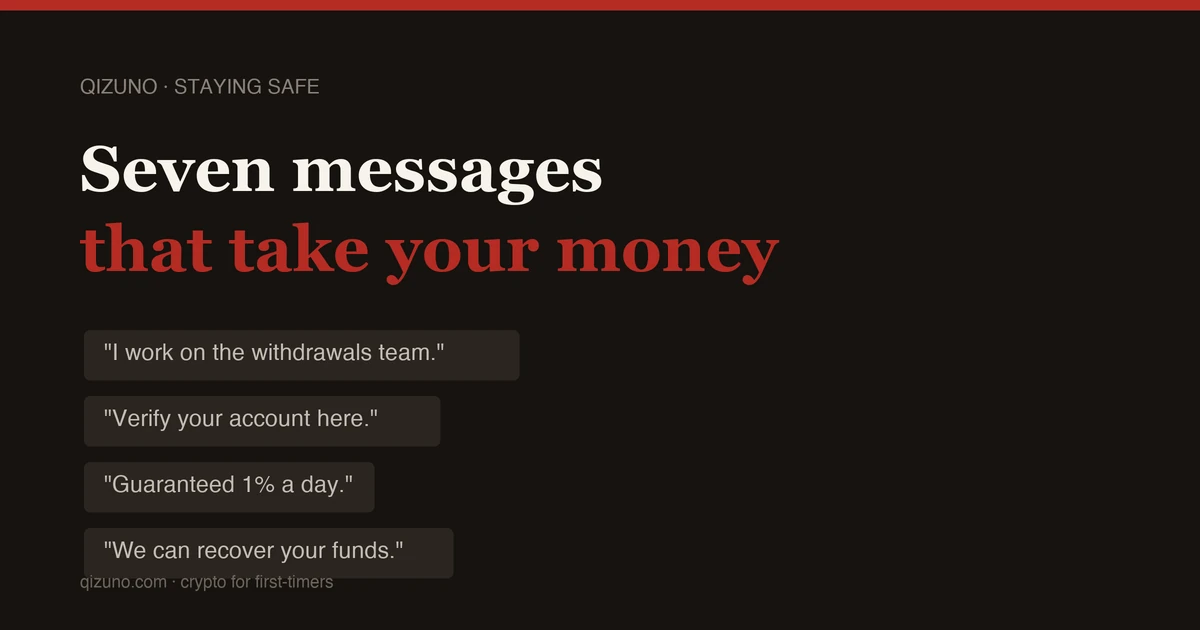
A made-up example:
"Hi — I saw your post. I work on the withdrawals team. What's the email on the account?"
"Is this official? The badge says support."
"Yes. I can escalate it, but I need the code that was just sent to you."
Imagine that you had just asked a public group why a withdrawal was pending. A stranger can use that information to make an unsolicited offer of help seem relevant. The right jargon, an exchange logo or knowledge of what went wrong for you does not tell you who is on the other end.
"I'm from support, I can escalate this for you"
The people who find you are watching public channels for complaints. A pending withdrawal, a failed verification, a question about a locked account — each one identifies someone frustrated enough to accept help from a stranger. What follows is a request for a verification code, a password, a seed phrase, or a "sync" you have to authorise. Any of those hands over the account, so never send money or reveal passwords, recovery phrases or verification codes to someone who contacts you.
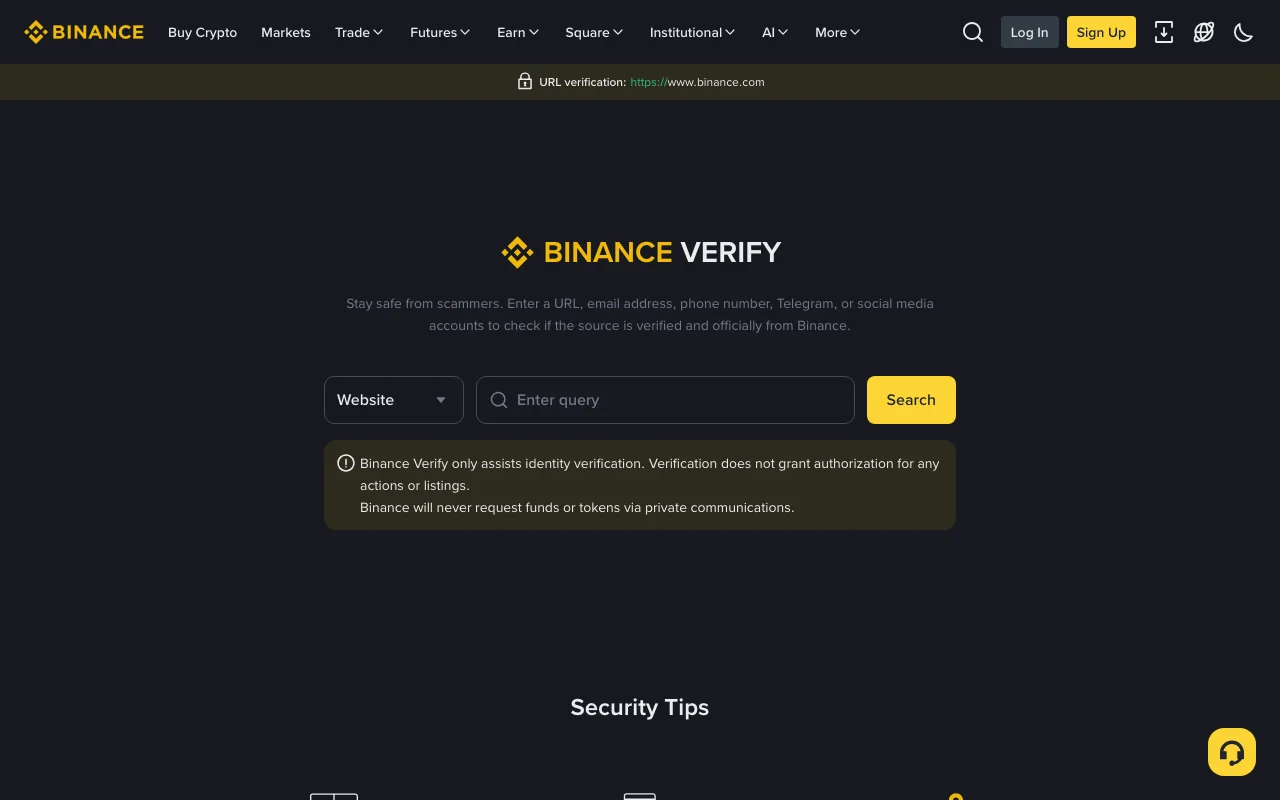
A link, email address or account that claims to be Binance can be looked up on Binance Verify. Screenshot from binance.com, 23 September 2026, not logged in.
There is a paid variant too: fake support numbers bought as search ads, so that calling "Binance customer service" reaches someone very willing to talk. Use the contact options listed inside the official account, not a phone number in an advertisement.
Close the message and open a ticket from inside the app. If the message came by phone, hang up and call nothing back.
"Just verify your wallet at this link"
The link goes to a domain that reads correctly at a glance and is off by one small detail, such as an added letter, a lookalike character or the wrong ending. The page is a copy of the real thing. You type your email, password and two-factor code, and the account empties while you are still looking at a loading spinner.
An unexpected page asking for credentials is a reason to stop. Close it and reach the site through a bookmark saved from a verified official address, then review the destination before entering credentials.
A phishing email can copy a logo, but the sender normally doesn't know the anti-phishing code you set, so a missing or wrong code is a quick tell. A correct code is a supporting check, not a guarantee: the code can leak, and Binance's anti-phishing code page says to change it as soon as you suspect it has. The account-security guide explains the extra checks.
"Look at what I made this week"
Sometimes it is a stranger posting profit screenshots. Sometimes it is someone who matched with you on a dating app three weeks ago and has been pleasantly uninterested in money until now. Sometimes it is a group chat you were added to where everybody is doing well.
Screenshots cost nothing to fake, and so do the group members agreeing with each other. The number on a screen is not evidence of anything.
The part to watch for is the invitation to a platform you have never heard of, or an app installed from a link rather than a store. On that platform, every figure you see is written by the person who built it. Your balance rises pleasantly for weeks. It keeps rising until you try to withdraw, at which point there is a tax to pay first, or a minimum to reach, or a compliance deposit.
"1% a day, principal protected"
Guaranteed returns do not exist in this market. There is no exception to check for, and a promise that your principal is protected is not proof that your money is safe.
Staking, lending and liquidity provision can generate returns, but each carries risks, including validator penalties, borrower default, impermanent loss or platform failure. Whether a quoted return is fixed or variable, check where it comes from, what can be lost and the withdrawal conditions. Do not send money to a stranger to unlock or claim promised returns.
"You've received 5,000 tokens"
Something appears in your wallet that you never bought, showing a healthy dollar value. To sell it, you have to approve it first.
An unsolicited token can lure you into a malicious website or a misleading signature request. A standard token approval concerns the token and spender named in the request; it does not automatically grant access to every other asset. A deceptive request may instead seek permission for a valuable token or another harmful transaction. Read the requested permissions; reject anything you cannot explain.
Do not interact with an unfamiliar token or follow the links in its description. If it is named USDT, you can check a USDT token's contract address in a block explorer without connecting your wallet anywhere. If you have already approved a suspicious request, use your wallet’s official guidance to inspect and revoke the relevant permissions as soon as you can. Revoking means connecting the affected wallet and sending an on-chain transaction from that address yourself; never use a "revoke" or recovery link sent by a stranger.
"Send it to this address"
This one is quiet. Malware that watches the clipboard replaces a copied wallet address with the attacker's at the moment you paste. Addresses are long, interfaces abbreviate the middle, and the swap is designed to survive a glance.
After pasting, compare the entire destination address with a trusted source, such as the recipient's own receive screen or the exchange deposit page you opened yourself. Do not rely only on the first and last characters or copy a destination from transaction history. For a large transfer, send a small test amount and verify receipt, then recheck the same full address before the rest. If you use a withdrawal whitelist, remember that a swapped address pasted into it becomes a saved destination, so do the full comparison before you save it.
"We can help you recover the funds you lost"
This arrives after something has already gone wrong, sometimes within days of you posting about it publicly, and it is the cruellest of the set. Some of these operations are run by the same people who took the money the first time. They often know roughly how much you lost, which makes their opening message unnervingly credible.
Requests for an upfront “unlock” payment, a recovery phrase or remote access are serious warning signs. A private service cannot simply undo a confirmed blockchain transfer. Report suspected fraud through the exchange, bank and appropriate local authorities; tracing, freezing or recovery may depend on where funds went and cannot be guaranteed.
Pressure is a warning sign
One tactic is urgency: “verify now”, “cancel now”, or “your account will be frozen”. Other scams build trust over time or exploit an unnoticed address change, so a lack of pressure is not evidence of safety.
If a message presses you to act, pause and verify through an official channel you open yourself. Do not use the sender’s link or phone number. A legitimate issue may still need prompt attention, but an unexplained deadline should not make you skip identity, address or permission checks.
If you have not opened an account yet, the same instinct is worth carrying into the very first decisions about where you buy, and into what a trade actually costs.
If you have already fallen for one of these, what you do first depends on what you gave away:
- A password or a verification code. Open the official app yourself, change the password, reset two-factor authentication, and remove any device you do not recognise from the device-management list.
- A recovery phrase. Treat that wallet as lost to the attacker. Create a new wallet and move whatever has not yet been taken into it as quickly as you can.
- A token approval. Revoke it as described under "You've received 5,000 tokens" above, from the wallet that granted it.
- Money already sent. Keep the messages and transaction records, and report it through the exchange's in-app support, your bank and the local authorities.
Verify any further contact independently; do not pay someone merely because they promise recovery.